01
Position adjustment
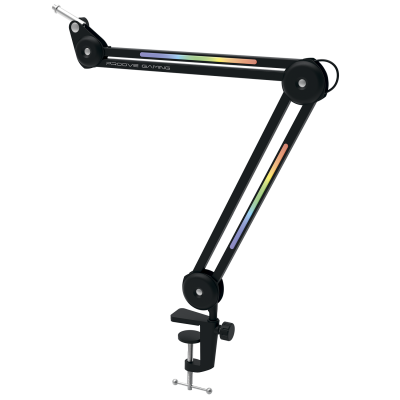
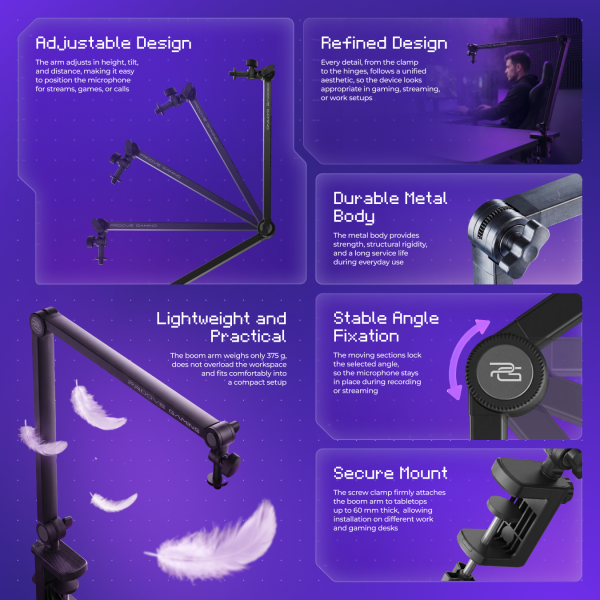
Raise, lower or rotate your microphone to suit the task. The arm moves smoothly and holds its position securely once adjusted, without springing back.


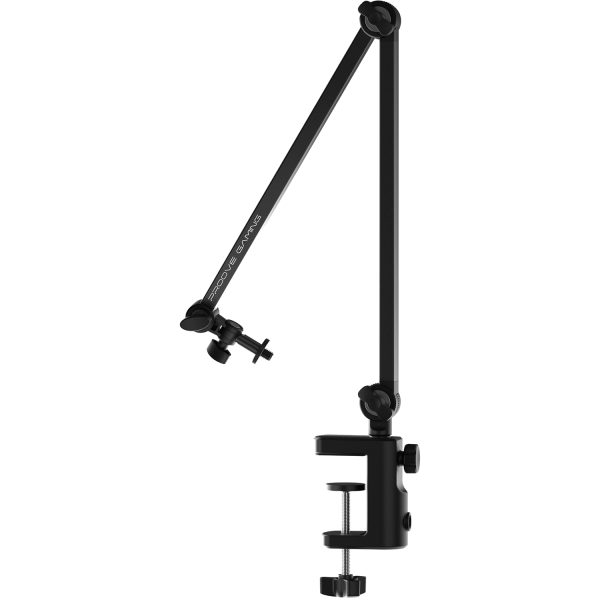
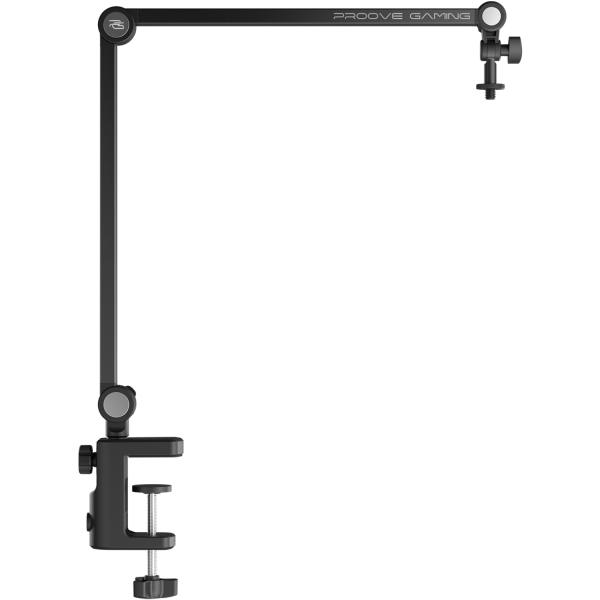
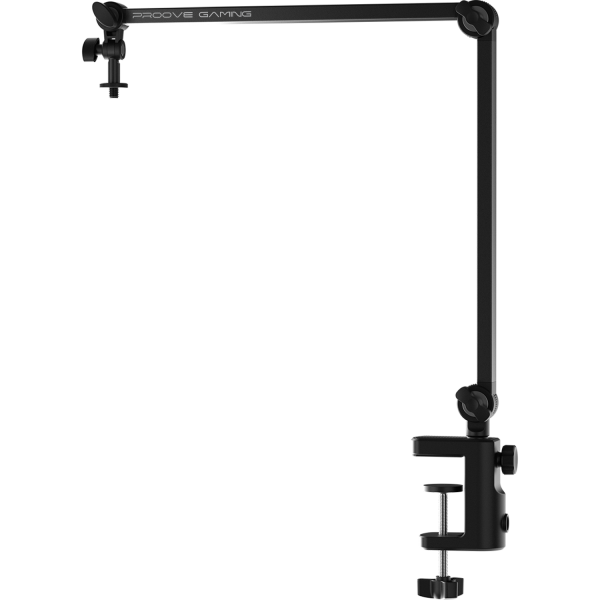
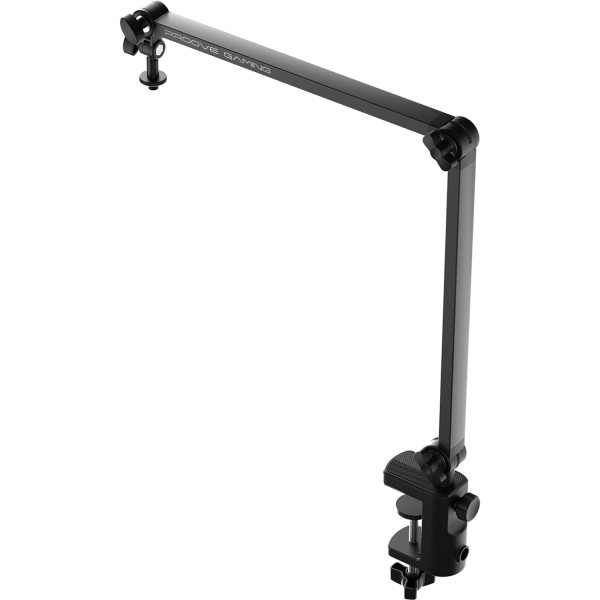
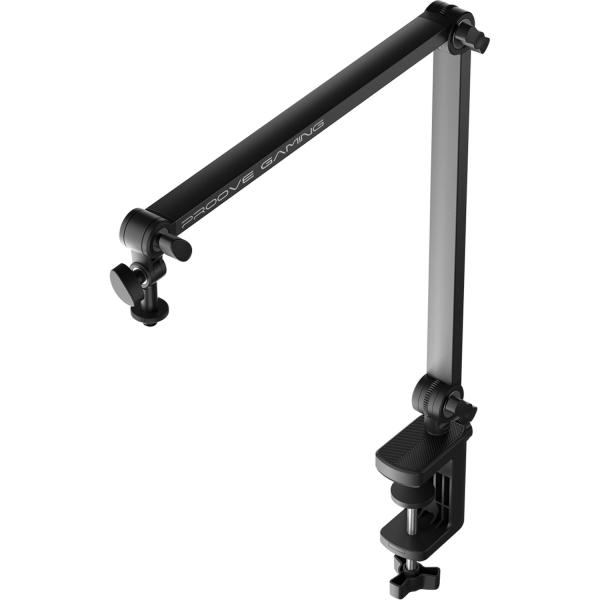
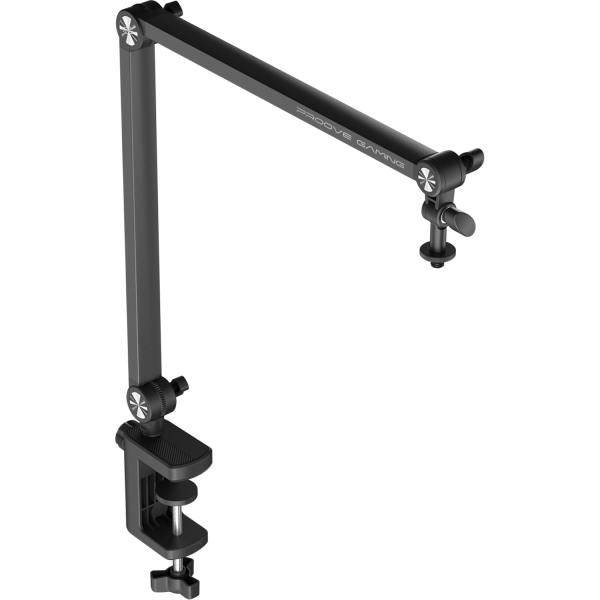
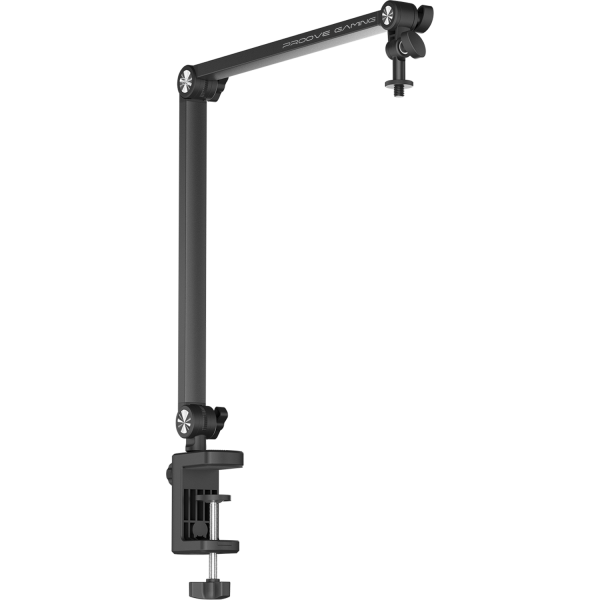
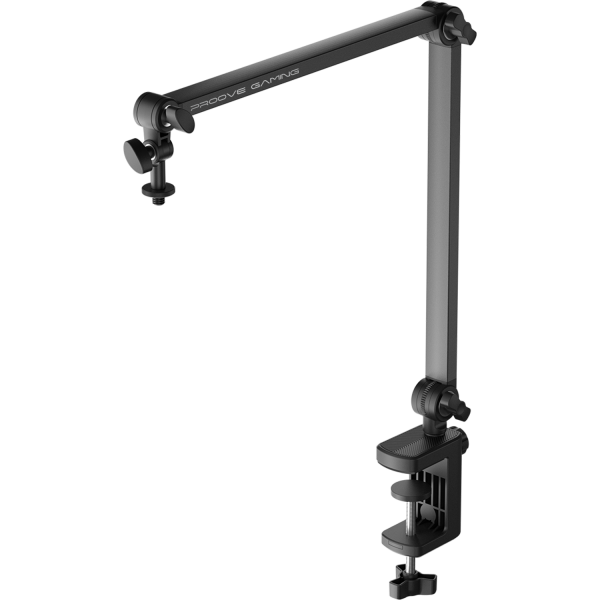
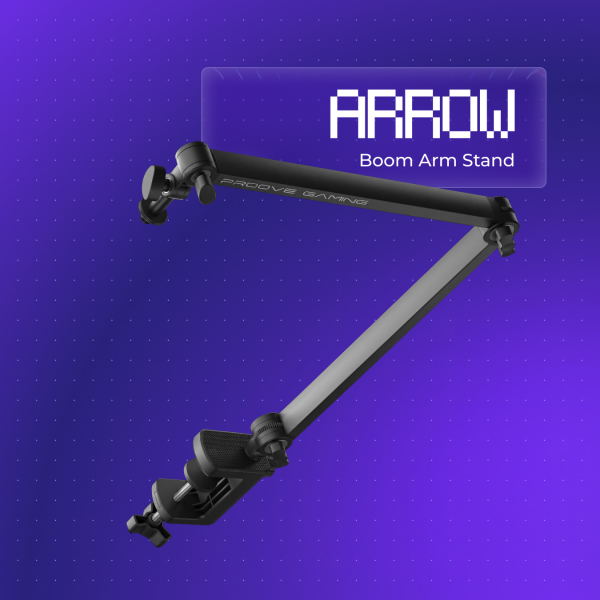

Stable microphone stand
Position Adjustment
The pantograph allows you to adjust the position of the microphone at various angles – raising, lowering, or rotating it to suit the task. Movements are controlled, and once set, the construction holds its position securely without rebound.
Compatibility
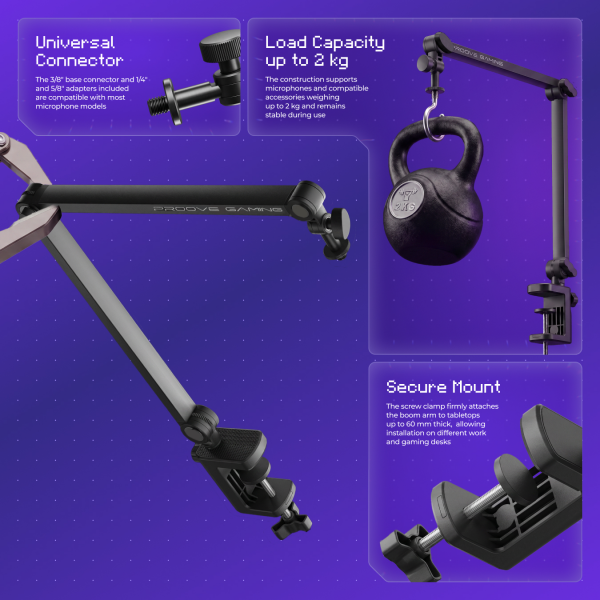
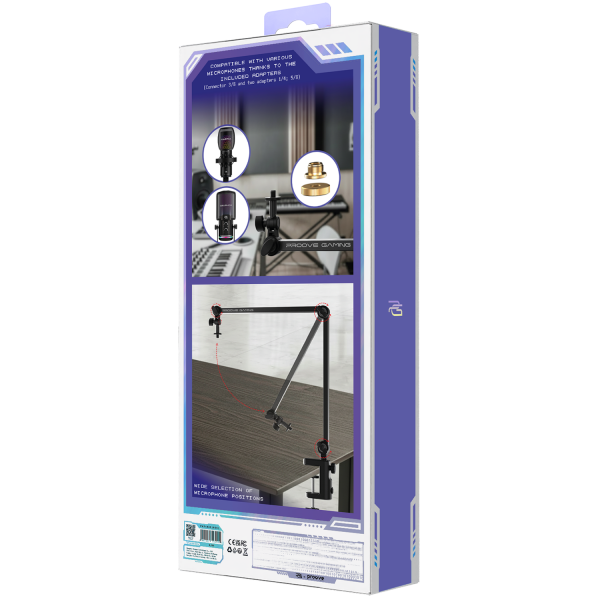
The base mount features a 3/8-inch thread. The set includes removable 1/4-inch and 5/8-inch adapters. This makes the pantograph compatible with most microphones, cameras, and lighting equipment, without the need for additional adapters.
Construction
The metal body supports loads of up to 2 kg. The desk clamp securely attaches to tabletops up to 60 mm thick. Its compact size and light weight make the pantograph comfortable for everyday use.
YOUR VOICE. YOUR SPACE
A reliable microphone boom arm. Make room for your voice — from your first stream to everyday recording.
TAKE YOUR WORKSPACE TO THE NEXT LEVEL

Raise, lower or rotate your microphone to suit the task. The arm moves smoothly and holds its position securely once adjusted, without springing back.
The mount has a 1/4-inch thread and includes removable 3/8-inch and 5/8-inch adapters. This makes the arm compatible with most microphones, cameras and lighting equipment without extra adapters.
The metal body supports up to 2 kg. The clamp attaches securely to desktops up to 60 mm thick. Its compact size and light weight make the arm convenient for everyday use.
DETAILS MATTER
Move. Connect. Set up.
Your workspace starts here
Choose an item below or select a point on the arm. View your setup from a fixed side angle.
Within the limit — 1 300 g remaining
Item weights are approximate. Maximum load: 2 kg. This is a visual demonstration, not a physical load test.
Choose a device, inspect the mounting screw and try the adapters
Use two fingers to view and rotate the model. Pinch in or out to zoom.
Set the desktop thickness and turn the screw to secure the arm
Maximum opening: 6 cm · Drag the slider or click the screw
Strong metal construction weighing just 375 g
Confidence in the quality of our products
Arrow mounts to the edge of your desk, freeing up space around your keyboard and mouse. Move the microphone aside while gaming, then bring it back when you need to talk to your team.
Bring the microphone closer while streaming, keeping your screen and camera view clear. Arrow holds it steady for clear audio throughout your broadcast.
Adjust the microphone height and angle to your seated position for podcasts and conversations. The clean black design complements your equipment and keeps your workspace looking tidy.