CN
  • ES
  • IT
  • TR
  • EN
  • PL
  • PT
  • UA
  • DE
  • FR
Jax
Jax
Jax
Jax
Jax
Jax
Jax
Jax
Jax
Jax
Jax
Jax
Jax
Jax
Jax
Jax
Jax
Jax
Jax
Description
Description
ID product: PMJX00010001

Jax

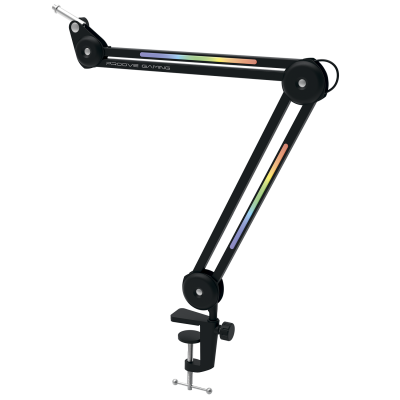
Adjustable Holder for Professional Sound Recording

规格与详情
  • Material: aluminium alloy
  • Maximum clamp height: 67mm
  • Maximum weight: 2kg
  • Product size: 840x340x60mm
  • Weight: 1325g
  • Color: Black
描述

Position Adjustment

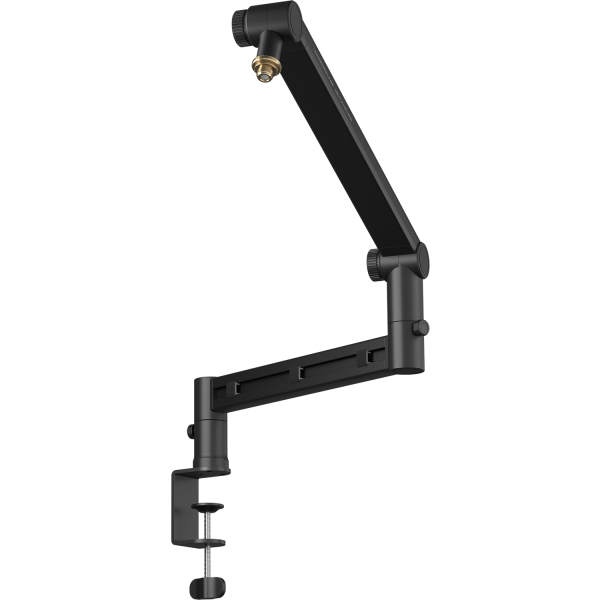
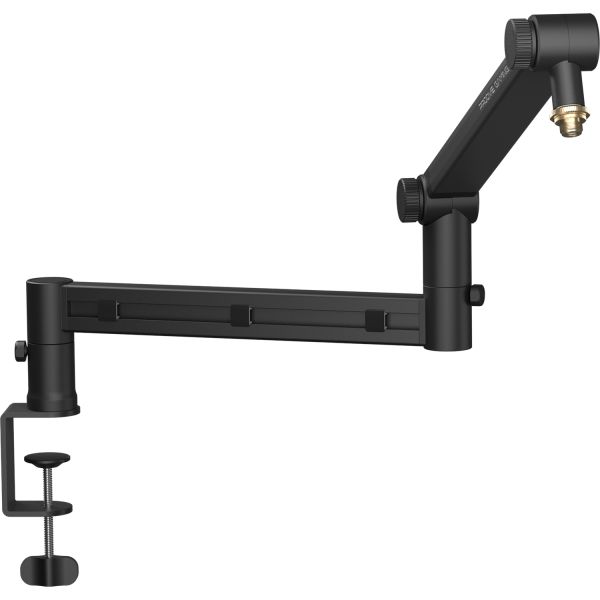
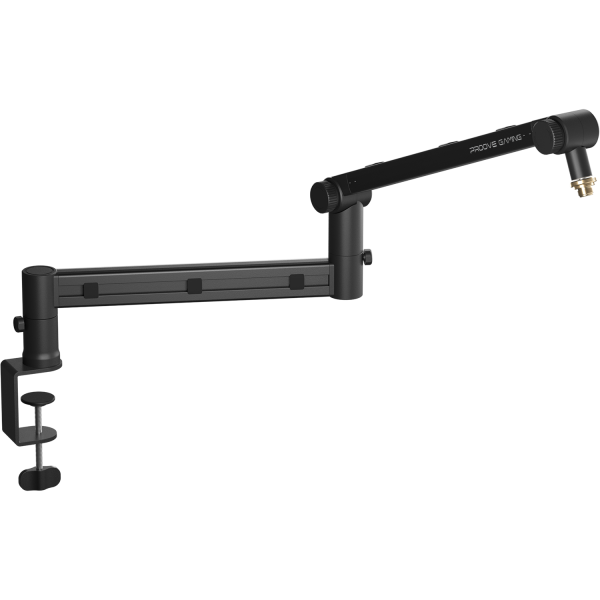
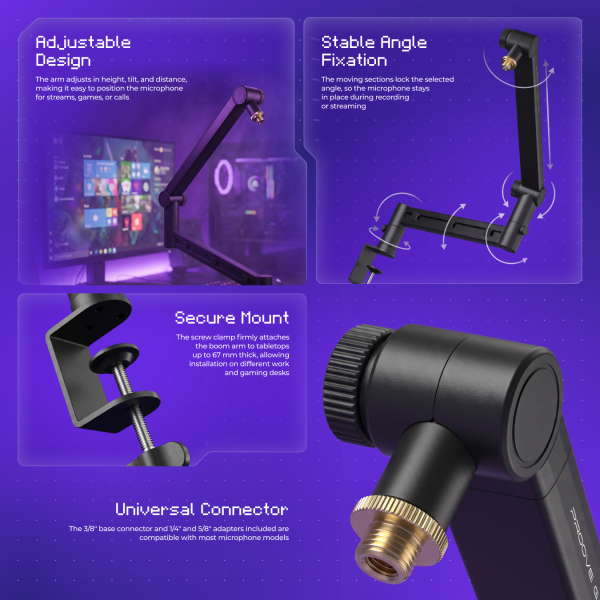
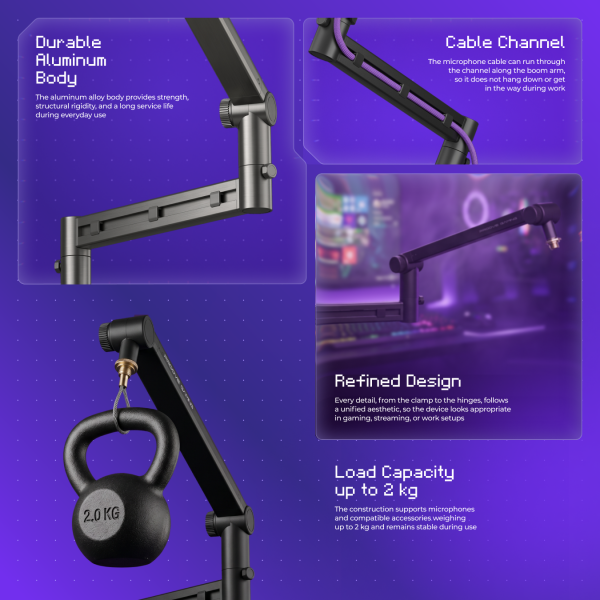
The pantograph allows you to adjust the position of the microphone – raising, lowering, or rotating it at different angles. Movements are smooth and controlled, and once adjusted, the construction holds the set position without sagging under weight.

Compatibility

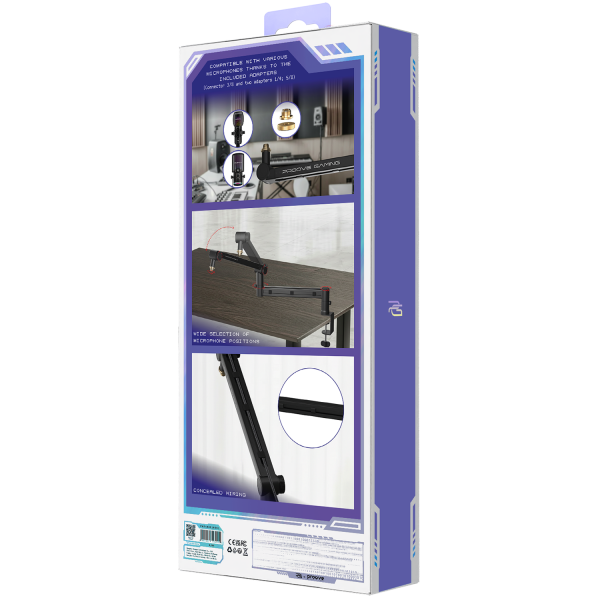
The base mount features a 3/8-inch thread. The set includes removable 1/4-inch and 5/8-inch adapters. This makes the pantograph compatible with most microphones, cameras, and lighting equipment, without the need for additional adapters.

Construction

The aluminum alloy body supports loads of up to 2 kg. The desk clamp securely attaches to tabletops up to 67 mm thick. A built-in wire slot keeps wires neatly organized, helping maintain a clean and tidy workspace.

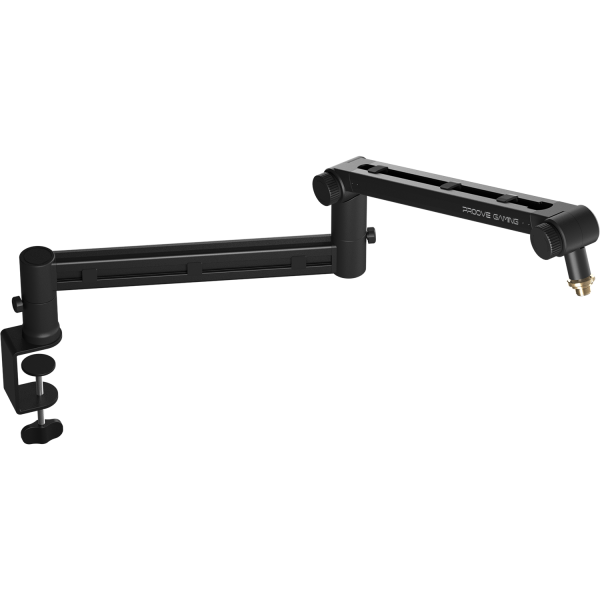
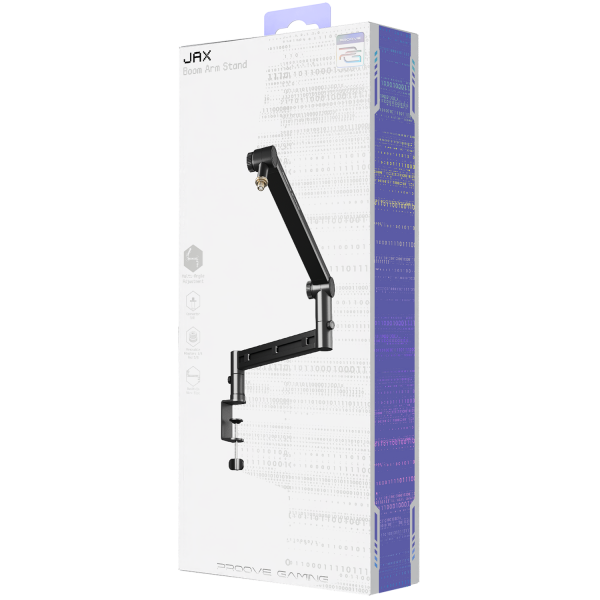
Proove Gaming Jax – adjustable microphone boom arm
Proove Gaming

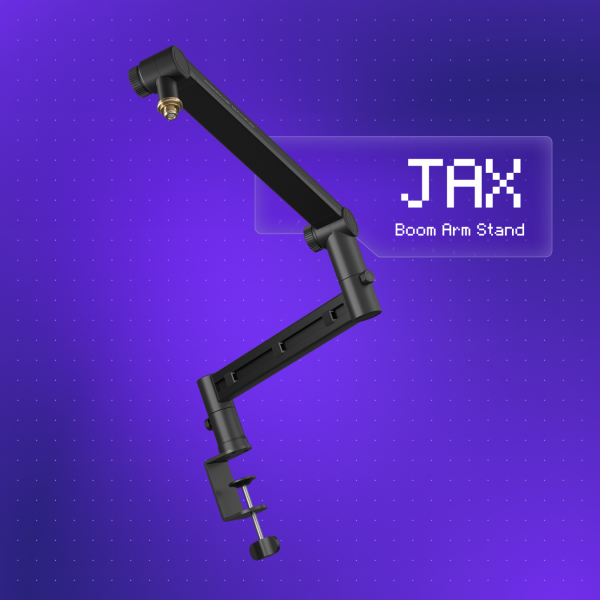
JAX.

Boom Arm Stand

Adjustable boom arm
for professional audio recording

An aluminium boom arm that puts the mic exactly where you want it and keeps it there. Smooth travel, locking joints, hidden cable.

2kg Max.
load
840mm Total
span
67mm Desk
thickness
3/8″ Thread
+ 1/4″ and 5/8″
Proove Gaming Jax – microphone boom arm
Aluminium alloy
Locking joints
Cable channel
Positioning

Move JAX in 3D

Set JAX up the way you would on your own desk. Pick a scenario or just drag the joints in the scene: height and reach update as you go. Right now the clamp sits on the left side edge of the desk.

3D · interactive scene Drag the joints · background to orbit
Clamped on the left
—
—
Basics
Scenario
Clamp
View
Scene
Build
The lower arm comes off and the upper arm mounts straight onto the post
Clamp screw The pad is pressed to the underside of the desk
Fine tuning For dialling in the position after picking a scenario
Lower arm left-right-12°
Second swivel left-right32°
Upper arm up-down26°
Head 180°-48°
Height—
Reach—
Used—
Used of 840 mm

The same joints can be dragged right in the scene. Turn the desk setup off and the monitor stops limiting the arm.

Load

How much will JAX hold?

2 kg is not just a microphone. In our video test the arm carried headphones, a teddy bear, keyrings, a chain, a clutch and a backpack. Hang it all: that is exactly 2 kg, and the arm holds.

0 g / 2,000 g
Tap an item in the list
What we hang
Items 0 / 7
Arm deflection 0.0°
On the arm 0g
01 kg2 kg – limit
Arm is empty – 2,000 g available
More than you expect. Steady. Solid. Strong. As in the video test: microphone, headphones, teddy bear, keyring with charms, chain, clutch and backpack.
Compatibility

JAX is always 3/8″. Anything else – via an included adapter.

It does not matter what you are mounting – all that matters is the thread. Pick yours below and the diagram shows what screws into what.

What thread does your gear have?
Assembly order Read left to right: boom arm → adapter → your gear
JAX boom arm stock 3/8″ thread not needed No adapter needed JAX is already 3/8″ Your gear 3/8″ thread
What to do Screw it straight onto JAX

The thread matches the stock one – your gear goes on the arm with no adapter.

    In the box 1/4″ adapter 5/8″ adapter
    Desk clamp

    Clamps onto desktops up to 67 mm.

    Set your own desktop thickness and see how much room is left. You also see the screw pulling the pad up from below.

    How the clamp sits on the desktopDrag the bottom handle ↑↓ – the clamp adjusts to your desk
    DESKTOP THICKNESS 34 mm max. 67 mm
    Your deskFits · 33 mm to spare
    34mm
    10 mm67 mm
    Up to 67 mm is the stock JAX range. The top plate rests on the desk while the bottom pad is pulled up by the screw.
    1
    Wide top support
    spreads the pressure along the desk edge.
    2
    Pressure pad
    rises to the underside of the desk.
    3
    Flat handle
    makes it easy to tighten the screw by hand.
    Cable channel

    The cable runs inside the arm, not under your desk.

    Each arm has a recessed channel with clips. Take the free end and pull it through them – that is how the cable goes in.

    One arm, close up Drag the plug to the right or click the clips
    Clipped in 0 / 3
    from the mic clips exit by the post drag the plug to the right, to the next clip
    The cable is still loose

    Put it in the first clip – then keep pulling the end while the clipped part stays put.

    1
    Channel along the whole lengthboth arms have a recessed channel for the cable.
    2
    The clips holdthe cable stays in the channel when the arm folds.
    3
    Exit by the postthe cable comes out at the bottom, next to the clamp, not in the middle of your desk.
    The channel takes USB-C and XLR – the cable goes in by hand, no tools.
    Specs

    Every number in one place.

    Everything you normally have to dig out of the description: load, weight, dimensions, thread and material.

    Maximum load 2kg The arm's rated capacity. A mic with a pop filter is usually about half of it.
    Boom arm weight 1325g Including the clamp and adapters.
    Desktop thickness up to 67mm A long threaded screw with a pressure pad.
    Dimensions 840 × 340 × 60mm 840 mm is the full length of both arms – reach is measured from it.
    Thread 3/8″
    1/4″ adapter5/8″ adapter
    Both adapters are in the box.
    Material and colour Aluminium
    Black
    Aluminium alloy, matte finish.
    Cable channel in both armswith clips along the whole length.
    Locking joint at every axisknurled nuts tighten by hand.
    Four adjustment axestwo swivels, arm lift and gear angle.
    Figures per the product datasheet. Reach and height depend on how the arms are folded – see the 3D scene above.

    最新上市产品

    查看全部
    不要落后——立即加入我们
    立即联系我们 ⚡